

Capture key insights and add your own thoughts directly while reading.
Add a Highlight
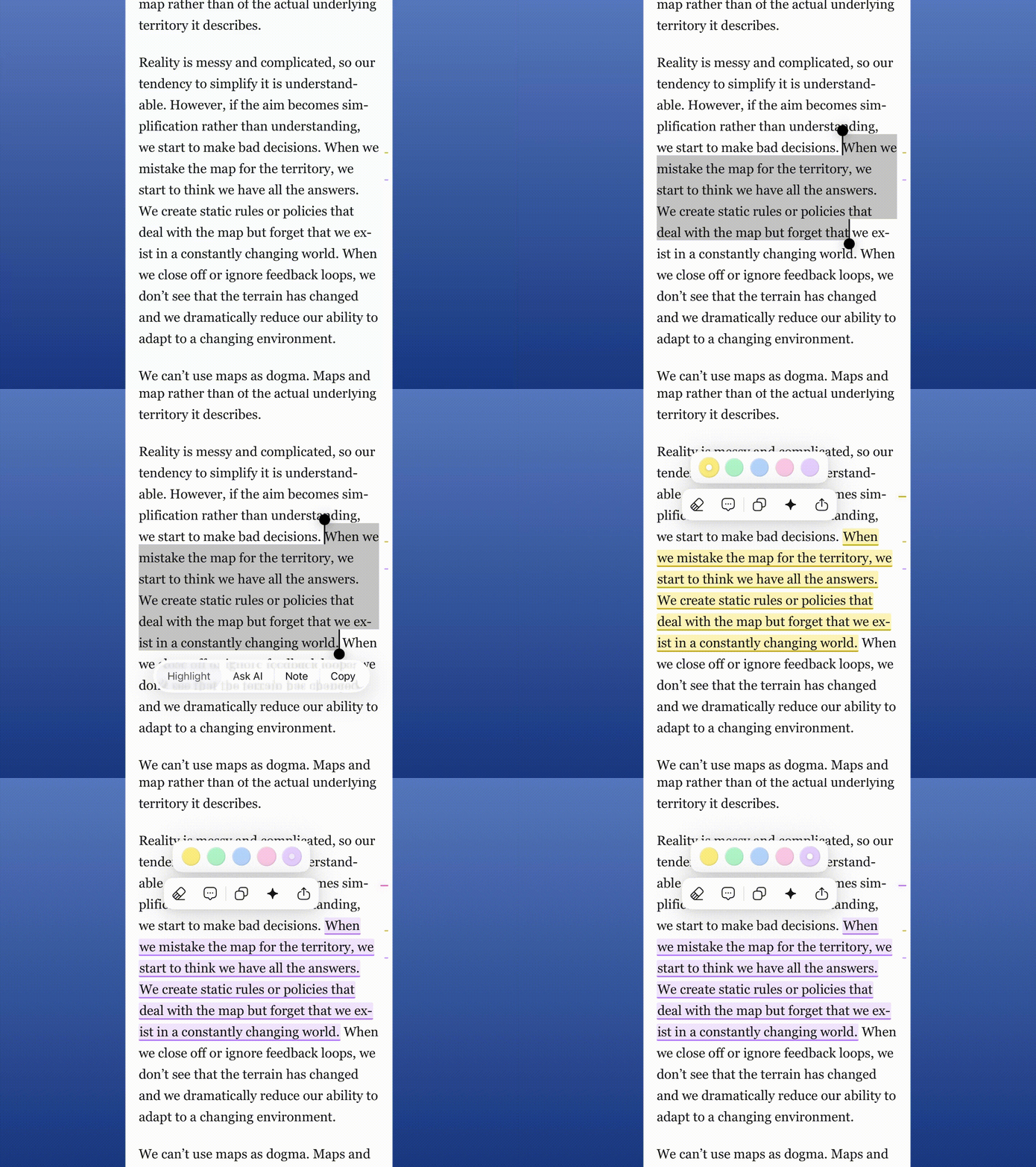
Simply select the text you want to save, then choose the highlight option. You can easily change the color later by tapping on any existing highlight.
Add an Annotation
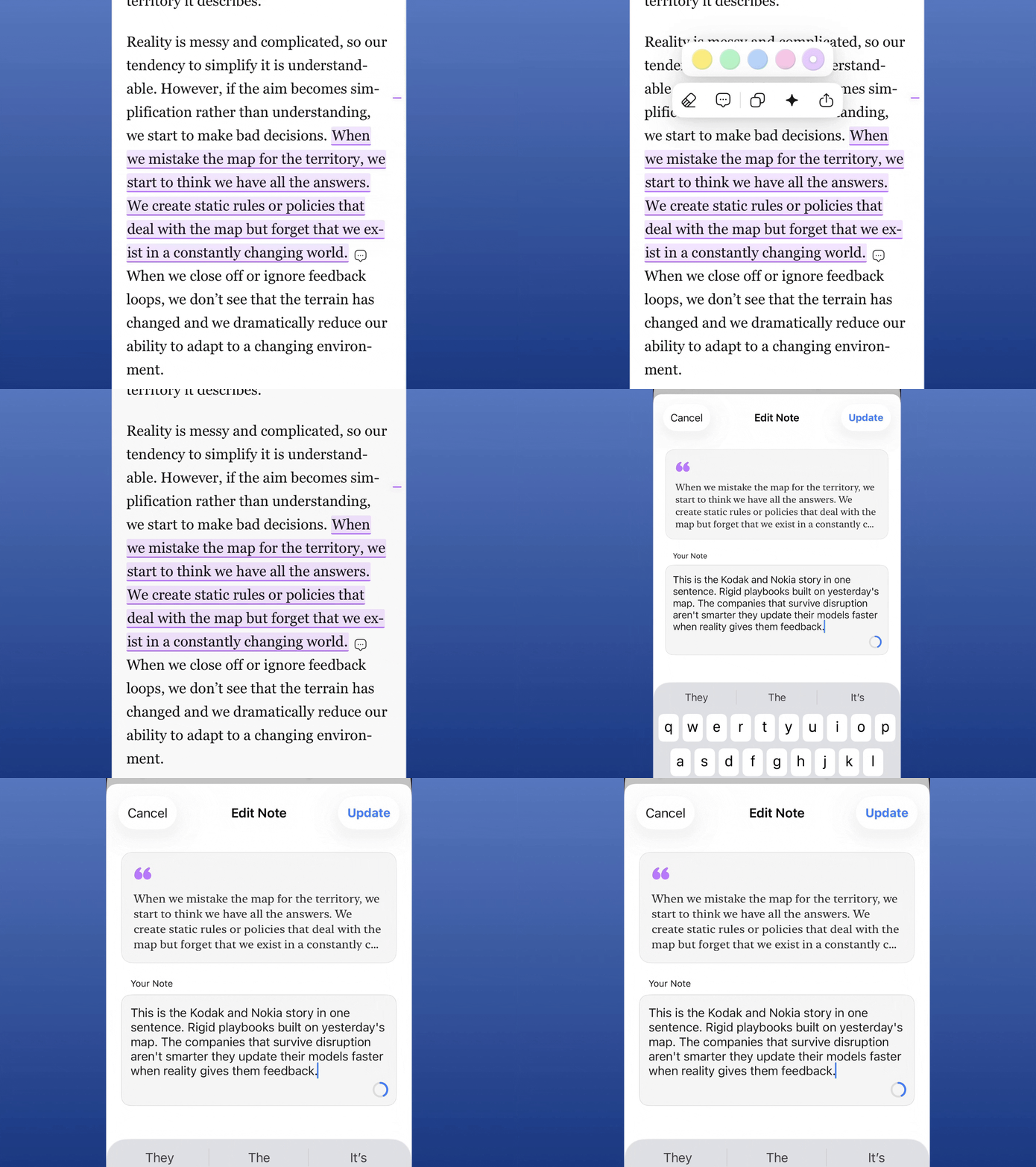
To attach notes to a specific passage, tap on your highlight and select the message bubble icon. This opens a text field where you can capture your thoughts or context for that section.
View Your Annotations
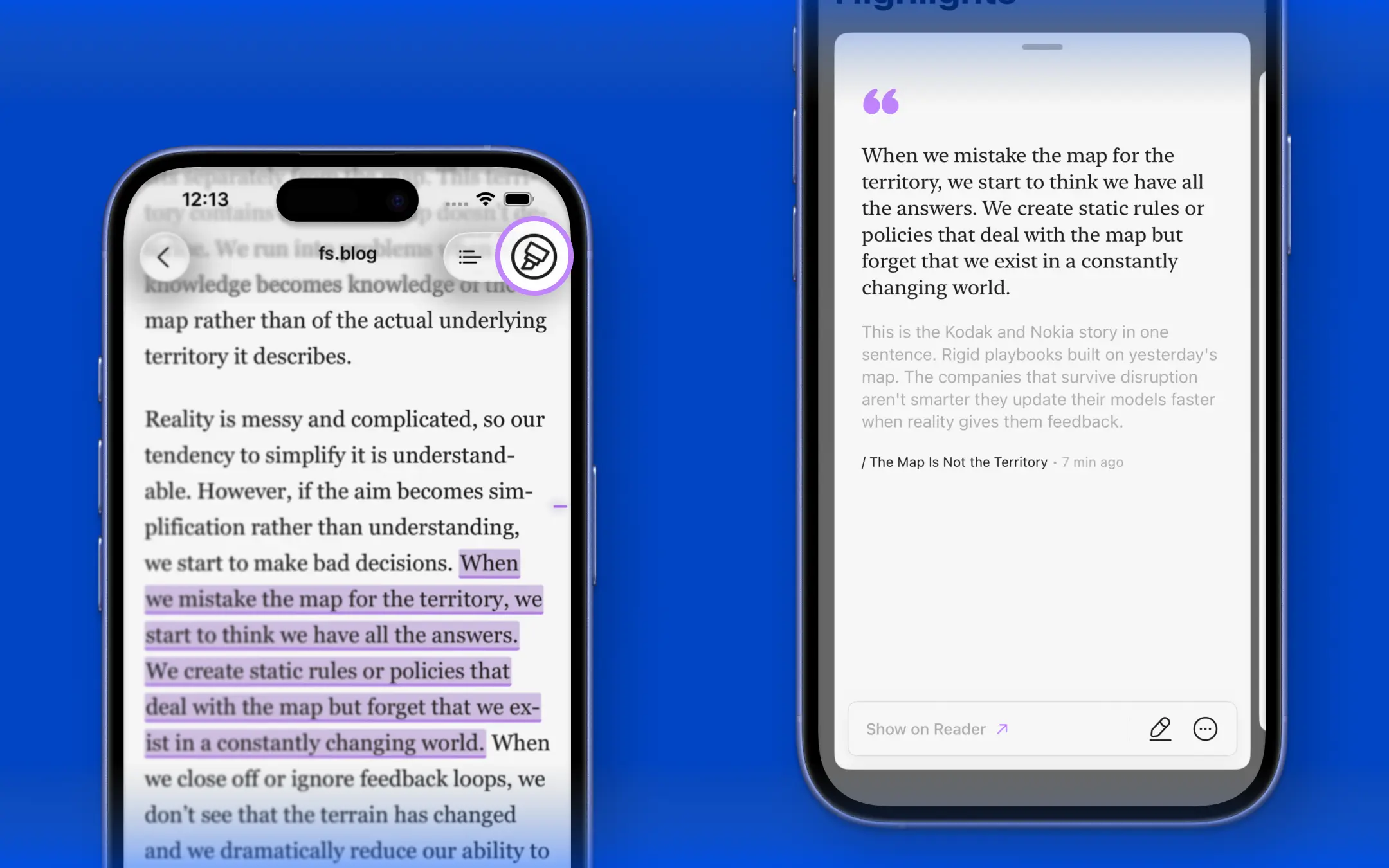
Review all your notes at a glance. Tap the annotation icon in the top-right corner of the reader to open a panel where your notes are beautifully organized as scrollable cards.
View in Context
Need to recall exactly what you were reading? Tap the Show on Reader button on any annotation card to instantly jump back to its original location within the article.