
AI layer on top of
everything you read.
Linkwise keeps every link in one place and helps you recall what makes sense.
Free to download · Try Pro + AI free for 7 days
Features
Save anything in under two seconds
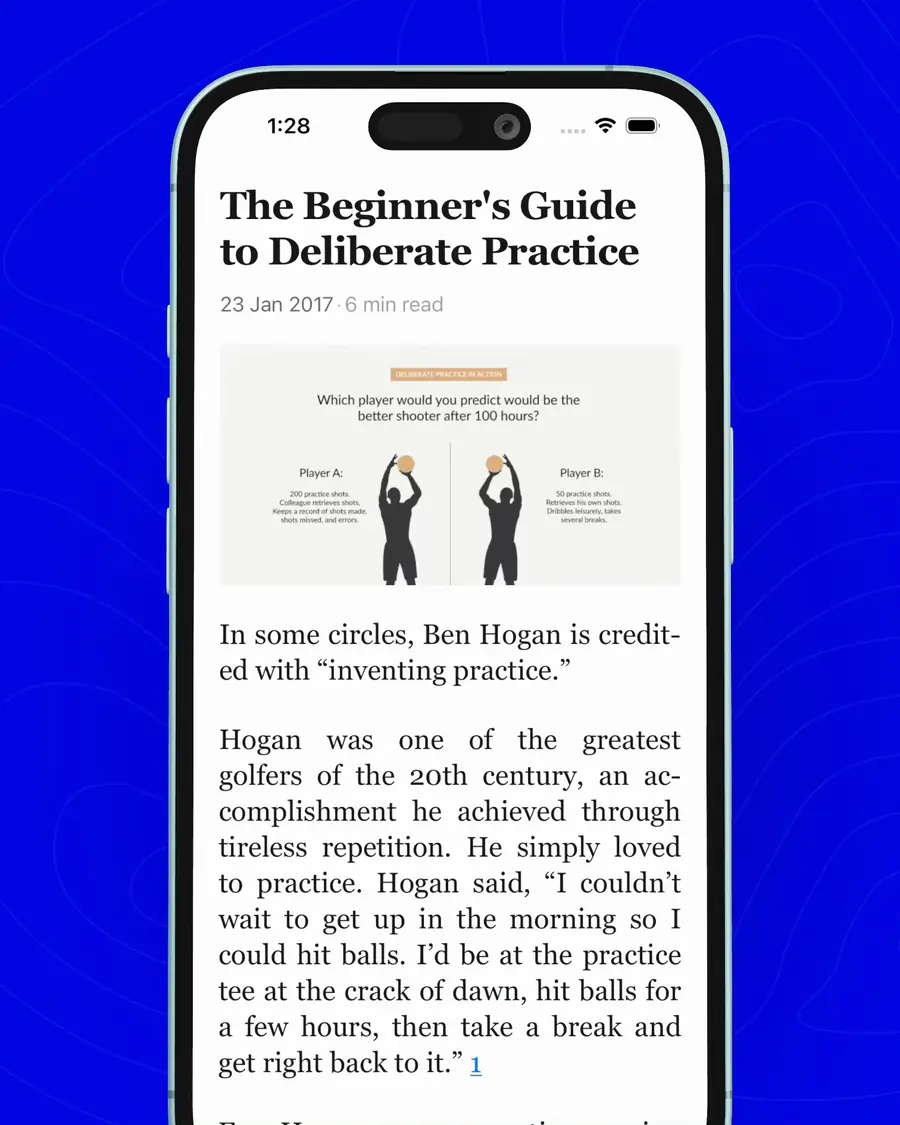
Browser extension
Save it before you close the tab.
One click from any page, and it lands in the same library your phone reads from. Highlight as you go, and ask AI about the page without leaving it.
Works in Chrome, Edge, Brave & Arc
One-click save captures the page, title and cover. No copy-pasting URLs.
Highlight anywhere and the passage syncs straight into the reader.
Ask without leaving for summaries and answers grounded in the page you are on.
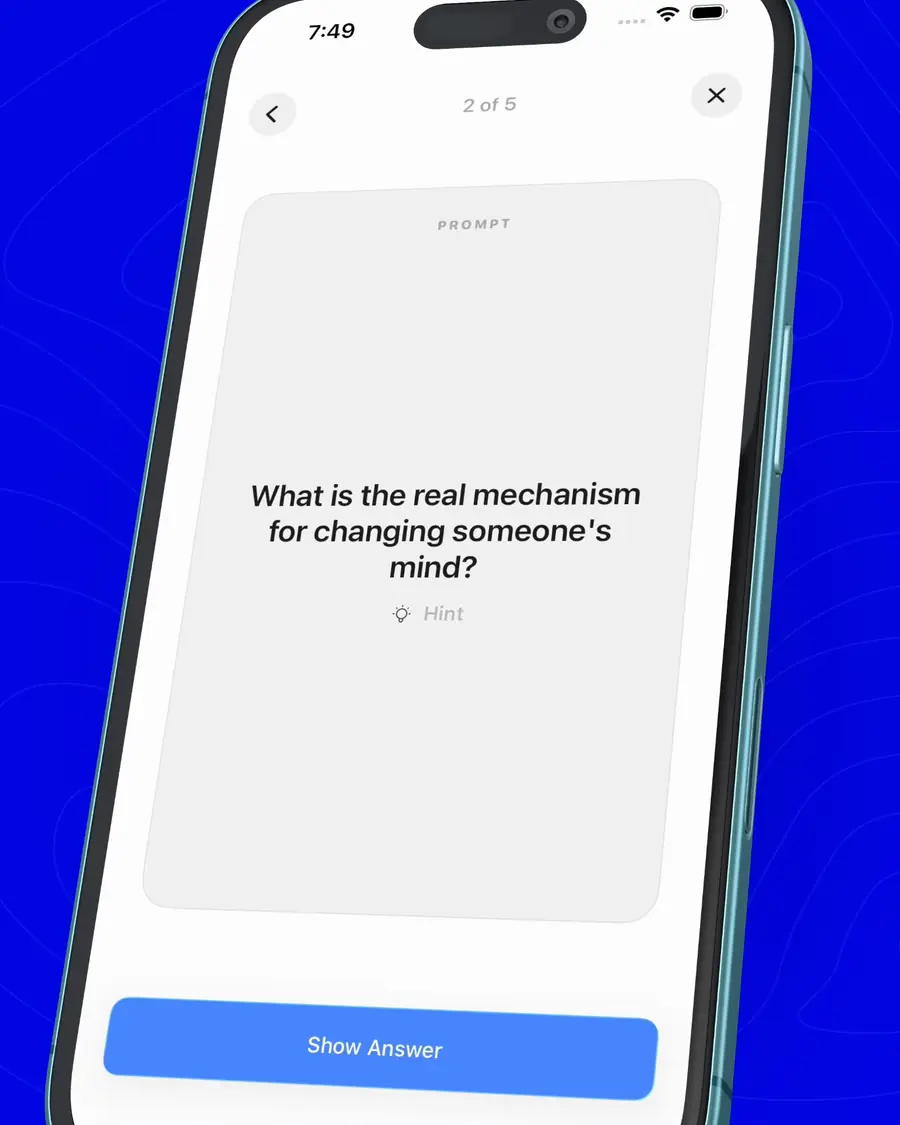
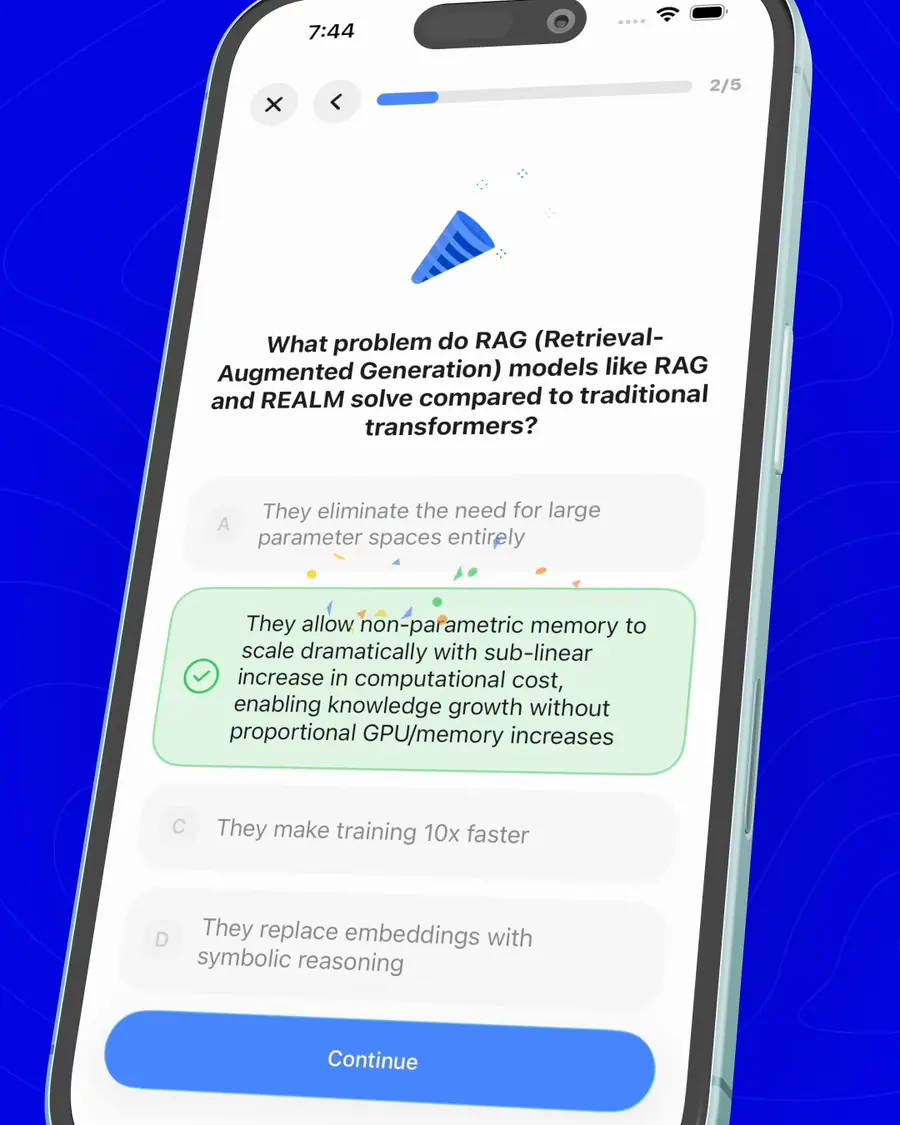
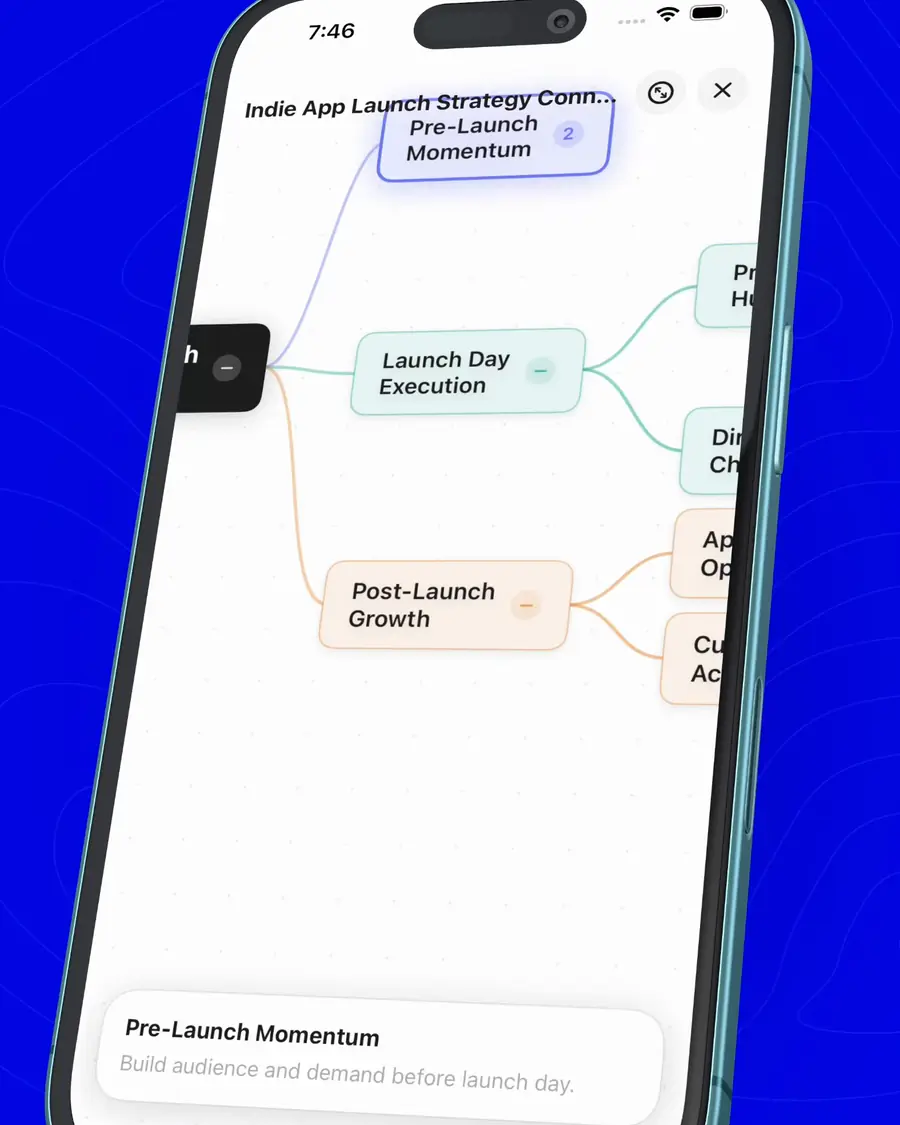
Creator Mode
Turn your saved content into learning material
Integration
Your library, in the tools you already think in.
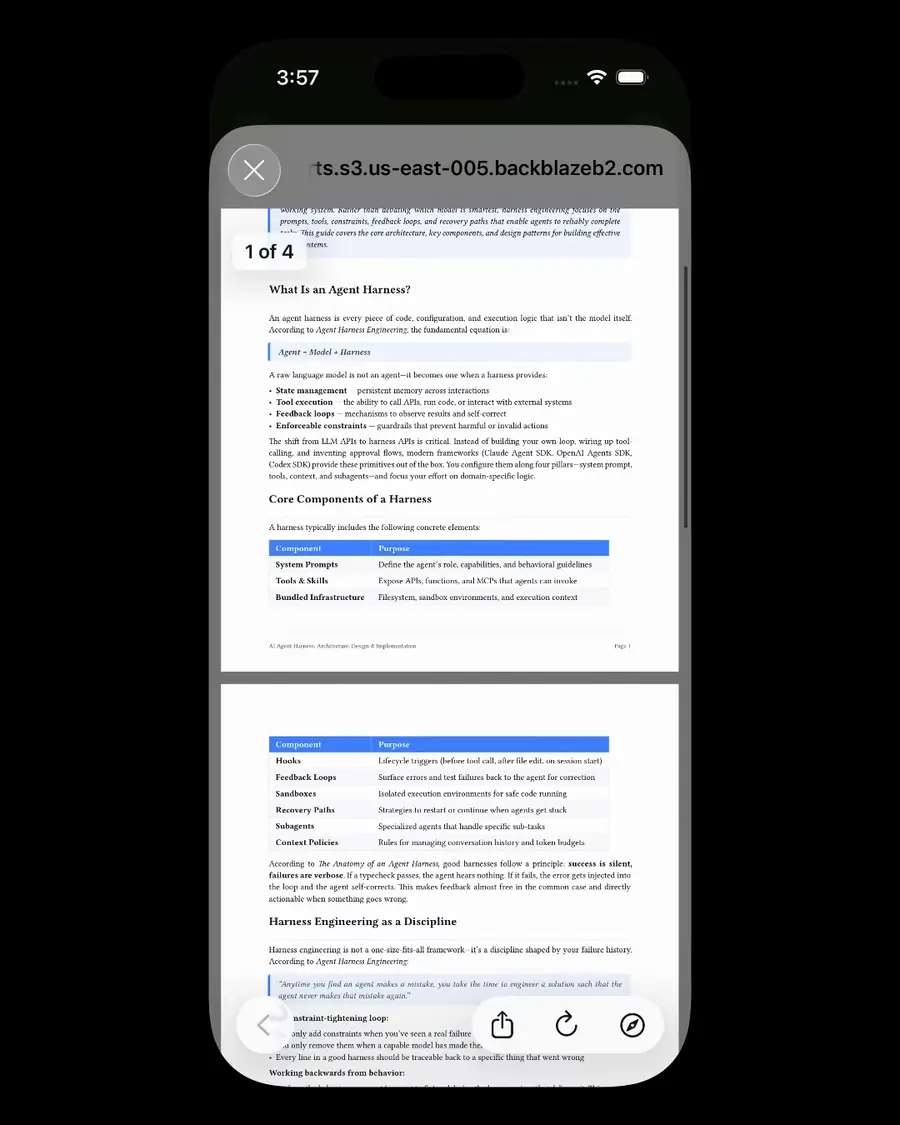
Connect Notion or Obsidian once. Every link, AI summary and highlight lands as a native database row or Markdown note, one-way, incremental, and yours to keep.

Notion
Every save becomes a row - title, URL, tags, source, AI summary. Highlights arrive as quote blocks, your notes as callouts.
How it works
Obsidian
Every save becomes a Markdown note with YAML frontmatter. Collections become folders with a Map of Content, wikilinked.
How it worksOne-way by design. Linkwise stays the source of truth, and in Obsidian your own My notes is never overwritten.
More ways to use what you save.
The smaller tools inside Linkwise that make a library feel effortless.
AI Web Search goes past your library when the answer isn't saved yet.

Transcripts turn any YouTube video into text you can read, highlight, and ask about.


Newsletters get a Linkwise address of their own, so every issue lands in your library, not your inbox.
RSS Feeds pull in new posts the moment they publish.























Shared Collections publish to a link anyone can open, no account needed.
Sync keeps the same library on your phone, your iPad, and the web.
Text to speech reads any article or answer aloud in a natural voice.
FAQ
Frequently asked questions
Yes. Your data is encrypted and securely stored. Everything you save, including links and AI interactions, remains private and visible only to your account.
Yes! Your Linkwise account syncs seamlessly across all your devices so you can save, search, and learn from anywhere.
You can save almost anything - articles, research papers, YouTube videos, newsletters, and more. Linkwise automatically extracts metadata and organizes them intelligently.
Linkwise uses advanced AI models to understand the content of your saved links. You can ask questions, get summaries, discover insights, generate quizzes/reports in chat using Creator Mode, and even web-search - just like chatting with your personal research assistant.
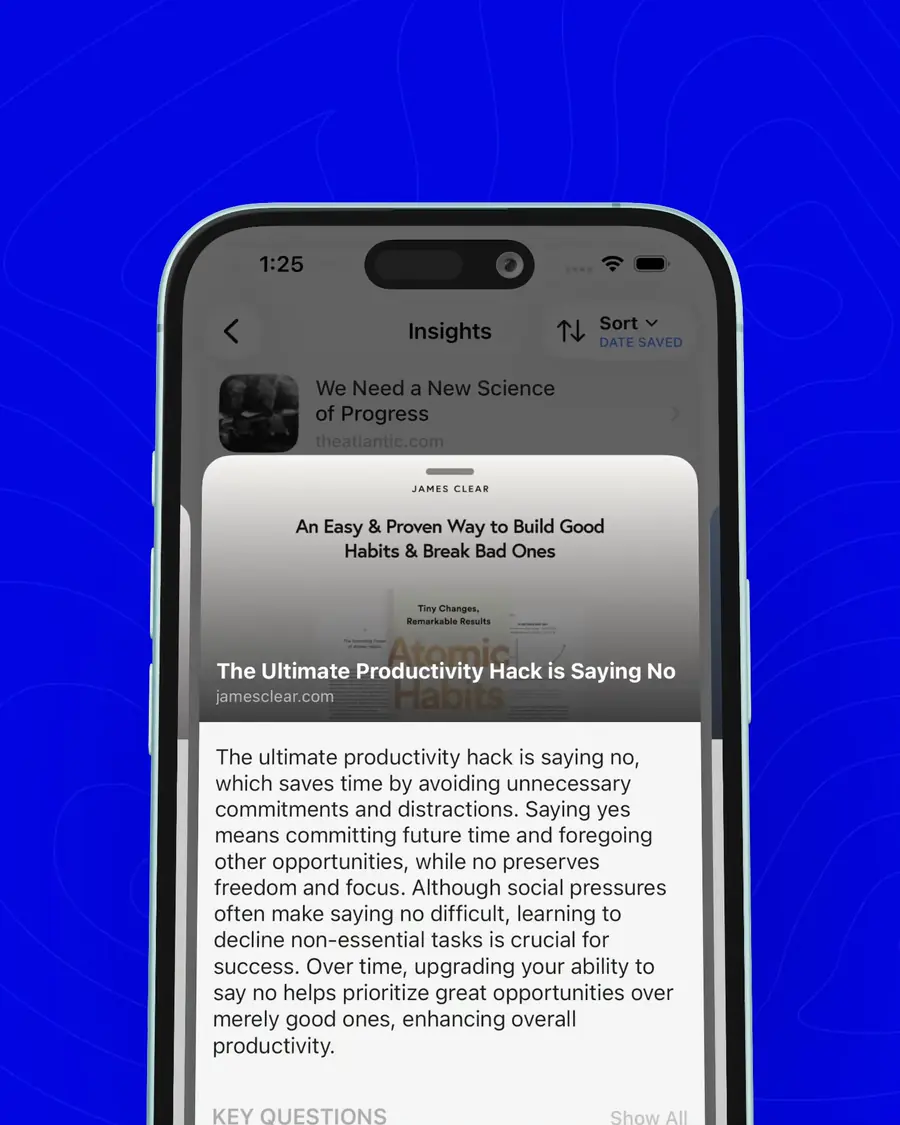
Quick Insights are proactive, AI-generated insight cards that Linkwise creates automatically for every link you save. They surface key takeaways, summaries, and highlights without you having to ask. You can even receive them as push notifications so great insights find you - not the other way around.
Never. Your data belongs entirely to you. Linkwise is private by design - we do not sell or share your information with any third party.
Yes. Linkwise provides color-coded collections, custom tags, and notes to keep your digital library easy to navigate.
Yes - AI lives on the Pro + AI plan. Linkwise has three plans: Free keeps up to 5 collections of 10 links each with Reader Mode, highlights and public sharing; Pro ($4.99/month) lifts every limit and adds import, export, the email newsletter drop, and Notion and Obsidian sync; Pro + AI ($7.99/month) adds everything that runs a model - chat with a link, a collection or your whole library, AI insights on every link, search by meaning, and voice playback - with 3,000 AI credits a month.
On iPhone and iPad, subscriptions go through the App Store using your Apple ID payment method, including Apple Pay. On the web, checkout is handled by Paddle - our merchant of record - which accepts cards, PayPal and local methods depending on your country. Prices are the same either way.
Yes, you can cancel at any time. You keep your plan's features until the end of the billing cycle you have already paid for. Cancel in the store that sold you the subscription: iOS Settings for an App Store plan, or the billing portal at linkwise.app/billing for a web one.
Linkwise is free to download, and the Free plan is free forever. The trial is on Pro + AI: subscribe monthly or yearly and the first 7 days are completely free, with full access to every AI feature. After that your chosen plan starts automatically - cancel before the trial ends and you pay nothing. Pro has no trial; it starts billing straight away at $4.99/month.
Your links have been waiting.
Start free. Scan with your iPhone camera to get Linkwise, and turn your saved links into something you actually use.
Free to download · Try Pro + AI free for 7 days