

Turn any saved article or newsletter into a personal podcast. Linkwise's AI Voice Reading converts parsed article content into natural, human-like audio - so your reading list keeps moving while you're commuting, at the gym, or knocking out chores.
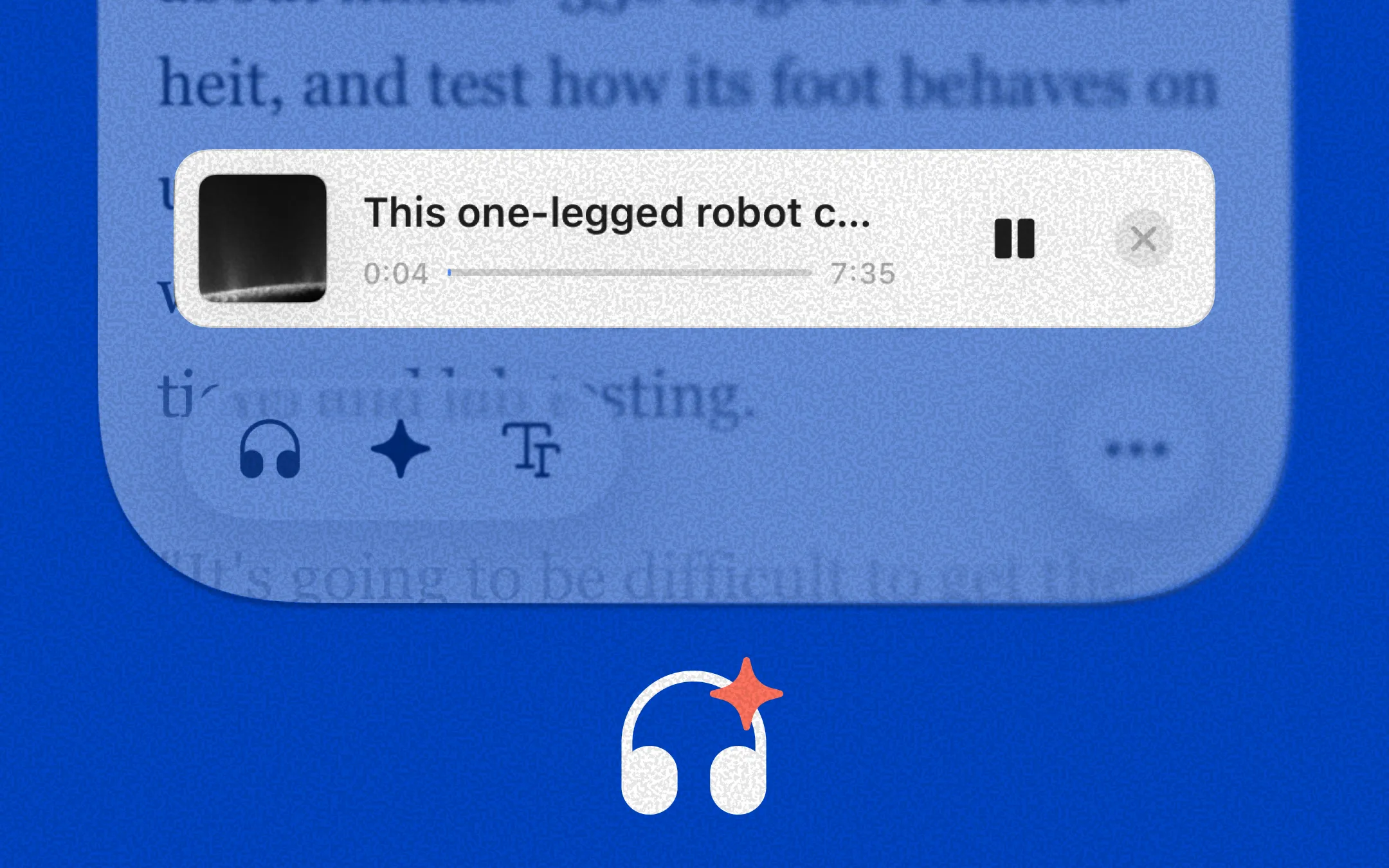
Your articles, broadcast-ready: Linkwise reads directly from the cleaned, parsed article body - no ads, no clutter, just the content that matters.
Natural, human-like pacing: Powered by advanced TTS providers, Linkwise delivers audio that handles pauses, intonation, and complex sentences far more naturally than traditional screen readers - built for long-form listening, not robotic playback.
Sentence and word-level sync: Audio playback is tightly coupled with the reader view. As you listen, the current sentence and word is highlighted in real time, so you can seamlessly switch between reading and listening without losing your place.
How to use
Open any article in the Linkwise reader and tap the play button from the reader toolbar.
From the playback panel, you can:
See progress and estimated remaining time
Pause, resume, and skip forward or back between paragraphs
Choose your preferred voice - select from multiple natural-sounding options
Adjust reading speed to match your pace
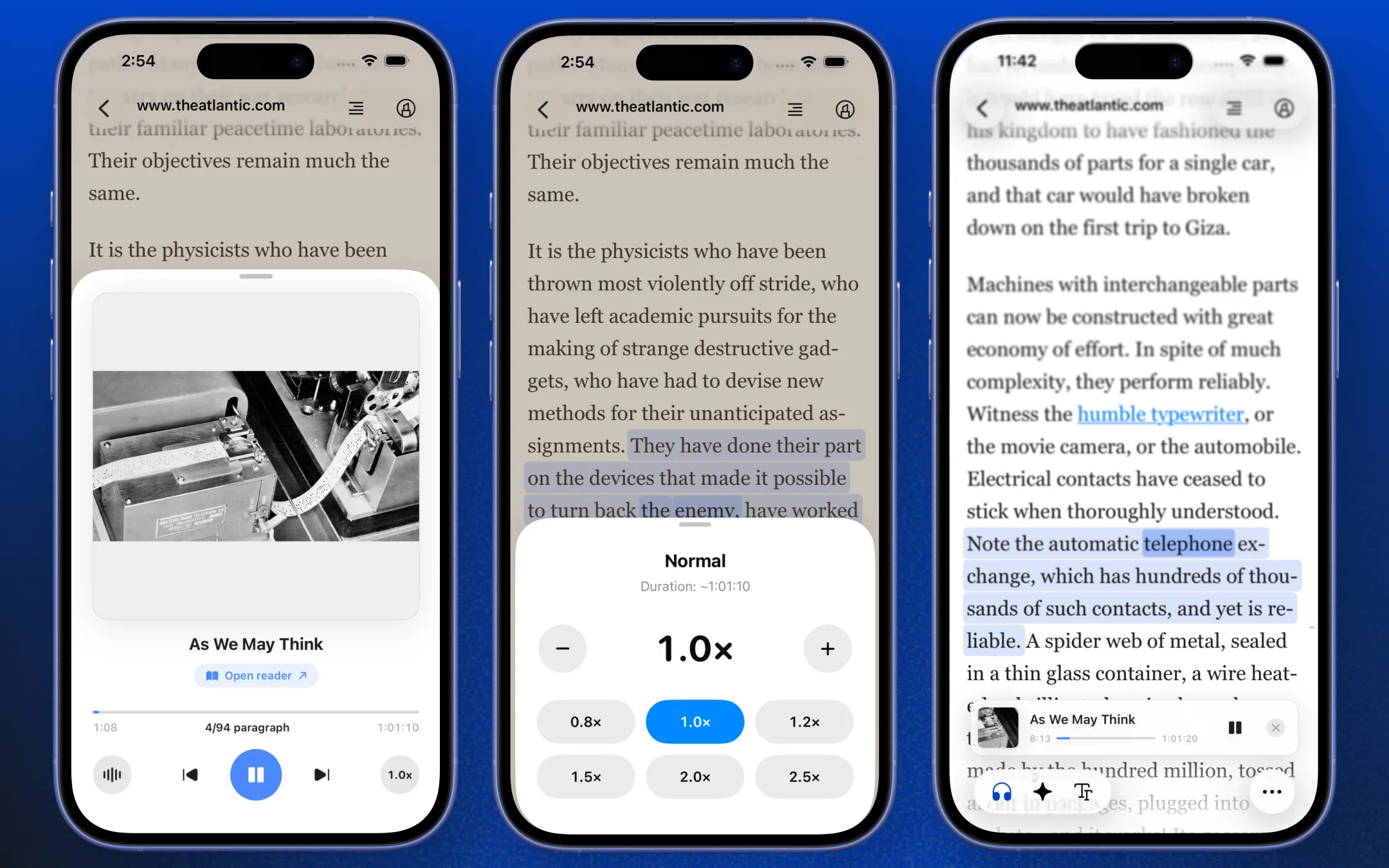
Audio continues playing in the background when you switch apps or lock your screen. Use your system's Now Playing controls to pause or seek without reopening the app.
Good to know
AI Voice Reading uses cloud-based synthesis and may be subject to usage limits depending on your subscription tier. Cached audio is stored on server for quick replay and is automatically cleaned up after 48 hours to keep services running smoothly. If playback sounds off, try switching voices or checking your system volume and network connection.