

Your save-later pile only ever grows. You stash a great essay during a meeting, a couple of newsletters before lunch, a long read you've been meaning to get to since Tuesday. Then the day fills up, your eyes are done, and the list just sits there - quietly multiplying.
Here's the thing, most of your day isn't spent at a desk. You're on a train, walking to the gym, waiting at a light, doing the dishes. That's hours where your hands and eyes are busy but your ears are completely free.
So we gave Linkwise a voice. Open anything you've saved, tap play, and listen to the whole thing - in a voice that actually sounds like a person, not a 2010 GPS.
Built for read-later, not for podcasts
Linkwise isn't a podcast app, and that one fact changed everything about how we built this.
A podcast app has a few hundred episodes, each rendered once and served to everyone. Linkwise has whatever you saved this morning - articles, newsletters, RSS items, the lot - showing up by the minute. There's no library to pre-process. Every person's queue is different, and it grows all day.
So instead of pre-rendering audio, Linkwise generates the voice on demand and caches it as you listen. The first time you play something, the audio streams in as it's synthesized. Play it again and it's instant - pulled straight from the cache, keyed per voice. No waiting, nothing re-spent.
It's a small distinction that took most of the work, and it's the reason this feels native instead of bolted on.
What you get
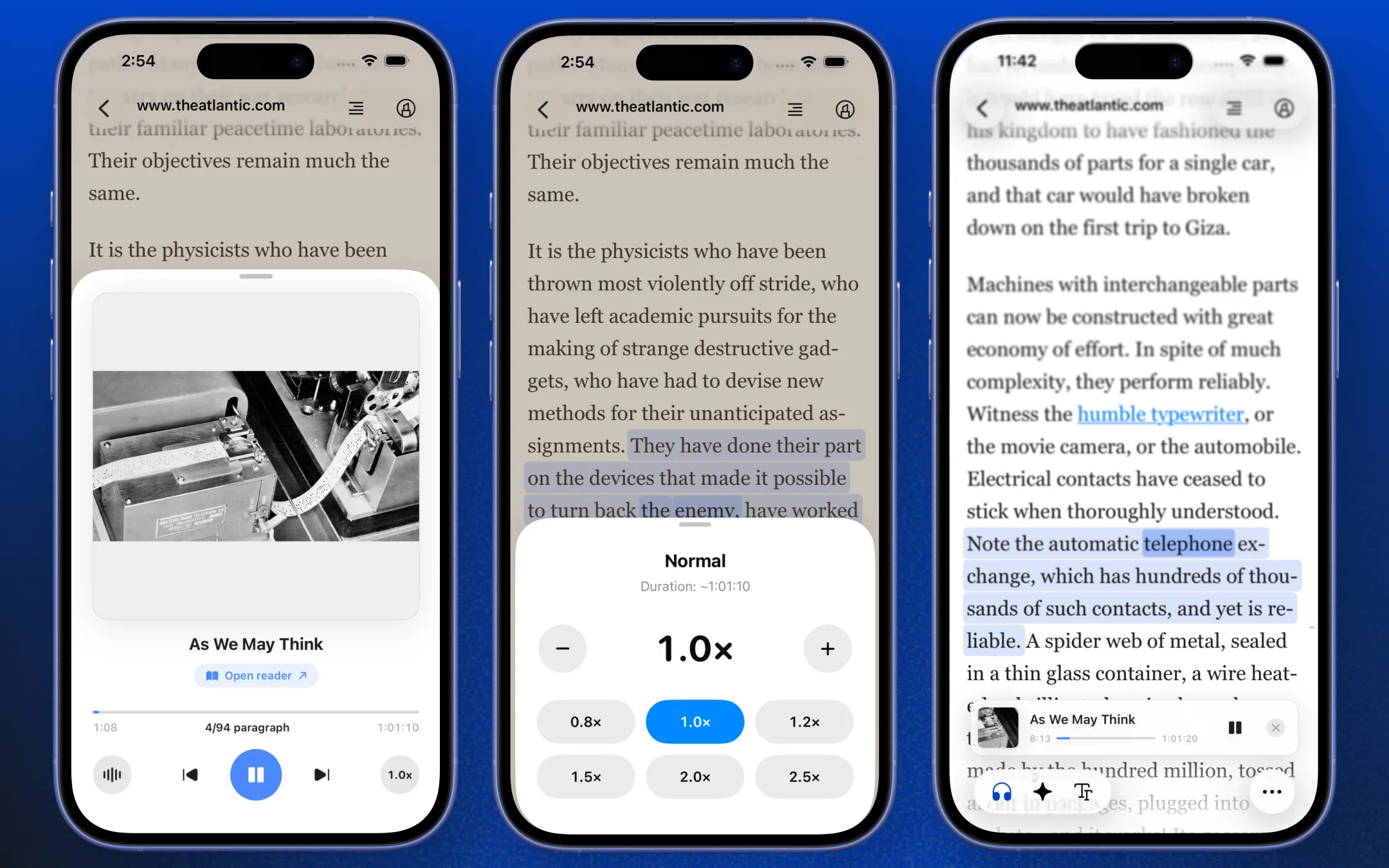
- Natural AI voices. Pick one that sounds human, and switch between them in real time - even mid-article.
- Speed control on the fly. Speed through the parts you'd skim, slow down for the parts you wouldn't.
- The text follows along. The sentence being read is highlighted as you go, so a quick glance always lands you in the right place.
- Tap to jump. Lost the thread? Scrub back a few paragraph.
- Background playback. Lock your phone, switch apps, keep listening. You can control playback from anywhere in Linkwise while you highlight a passage or save the next link.
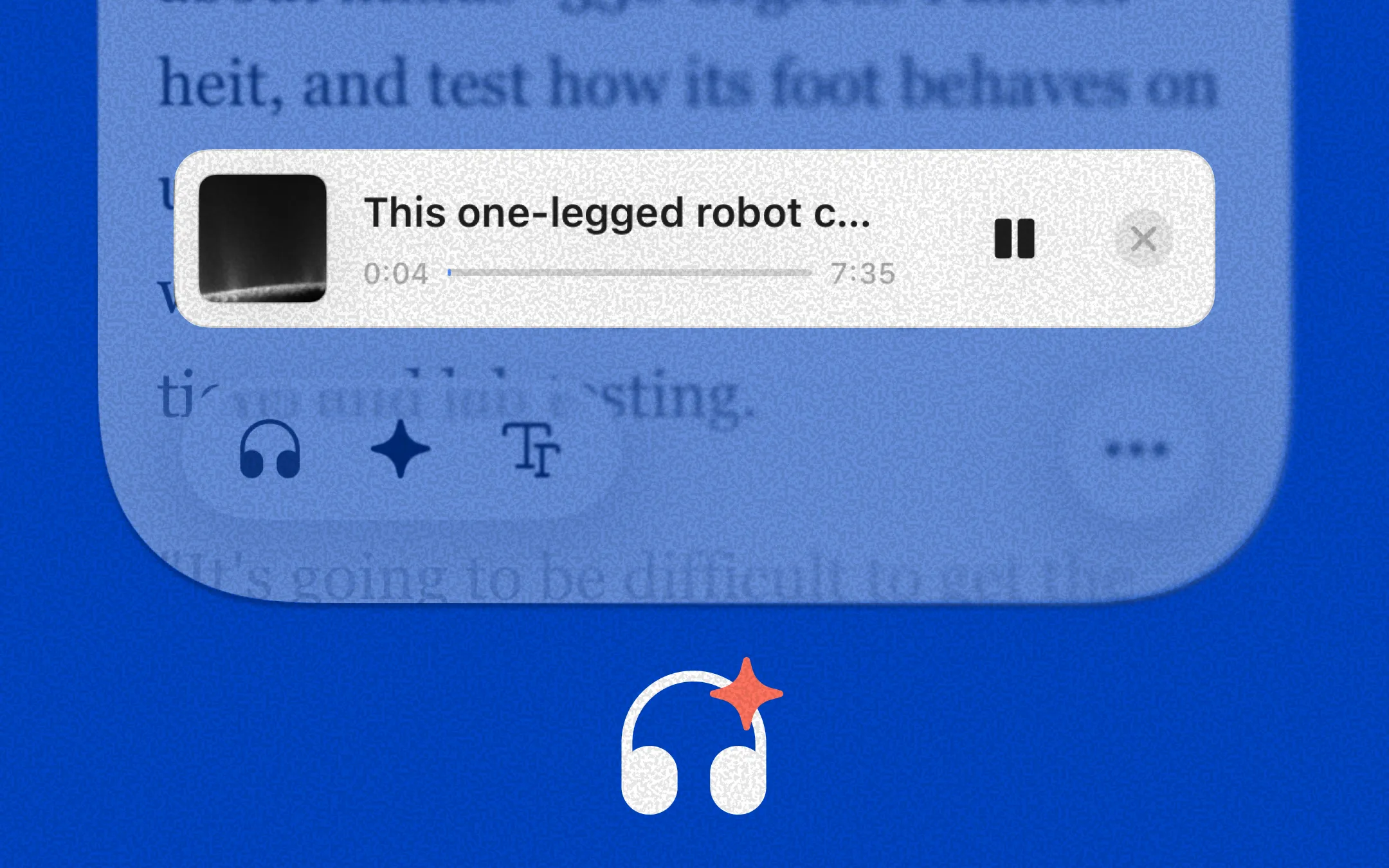
- A floating player that stays out of the way. It lives as a small pill at the edge of the screen and expands when you want the full controls.
How to use it
- Open any saved link.
- Tap headphone button in the reader.
- Listen - at your desk, on the train, wherever.
That's the whole thing. If you've used the media player on your phone, you already know how this works, so we'll stop explaining it and let you try it.
FAQ
What can be read aloud?
Articles, newsletters, RSS items, and snippets - anything Linkwise has parsed cleanly into readable text. If it renders well in the reader, it'll play well too.
What voices and languages are supported?
Currently we support Chinese, English, French, Hindi, Italian, Japanese, portuguese and spanish.You can switch voices any time from the player.
Can I start from a specific point in an article?
Currently, you cannot but you can scrub forward and back to a paragraph.
Why isn't the progress bar always exact?
The voice is generated in real time, so the total time and progress are good estimates rather than a fixed number. Treat them as a guide.
Does it work offline?
The first listen needs a connection to generate the audio. After that it's cached on server upto 2 days, so replaying the same article works without re-synthesizing , and without spending anything again. But it needs an internet to play over the servers.
Will this use up credits / what does it cost?
Yes, every 100 characters of playback costs one credit. Pro users get 3,000 credits a month, which covers roughly 30 long-form articles (10,000+ characters each). Once an article's audio is cached on server, replaying it is free upto 2 days, no credits spent again. We're actively working on bringing the per-character cost down as the models get cheaper.
Why listen inside Linkwise instead of some other tool?
Plenty of apps turn text into speech. The point of Linkwise was never a single feature - it's that saving, reading, highlighting, asking questions, and now listening all live in one place. Linkwise is the AI layer on top of everything you read, and listening is just one more way to get through it.
Got a request or hit something weird? Reach out at [email protected]. Update on the App Store and press play.