

Every week I use Linkwise the same way you do - saving links, listening to articles through conversation on my morning run, coming back to things I meant to read. And every week, I noticed things. A tap that shouldn't have been necessary. An animation that didn't quite breathe right. A new user experience that felt more like a manual than a welcome. None of these were features. They weren't on any roadmap.
But they were the difference between an app that earns a place in someone's daily life and one that gets deleted after a week. This update is about that gap - the space between working and feeling right. Because I've always believed that if the act of saving and reading feels like effort, the app has already failed, no matter how powerful the AI underneath it.
Onboarding
Starting a reading habit should feel inviting, not overwhelming. First impressions aren't just about aesthetics, they are about immediate clarity. The revamped onboarding isn't a tutorial you want to skip - it’s a quiet, seamless welcome that gets out of your way while teaching you how to make the space entirely your own.
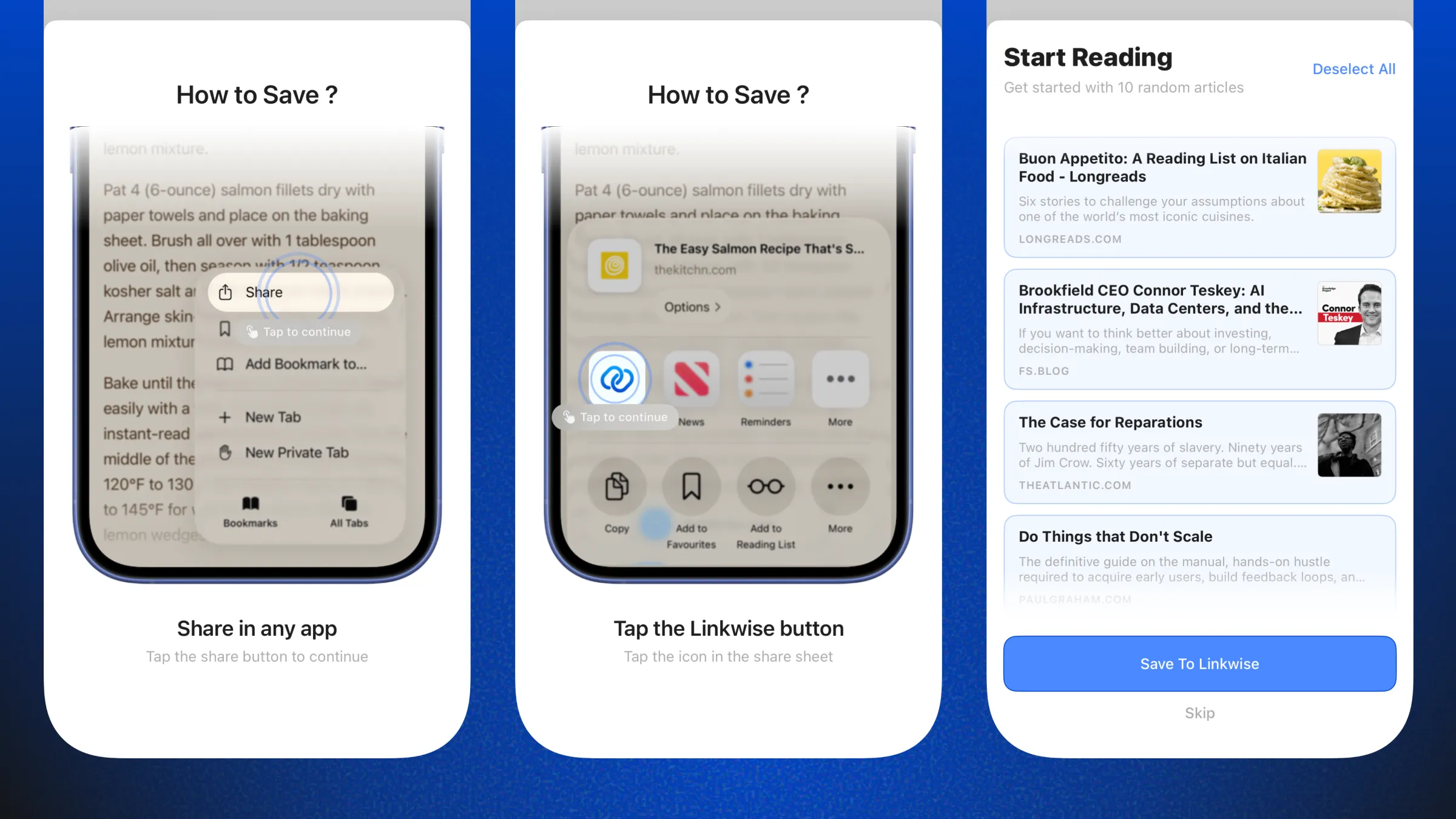
If you're a new user logging in for the first time, you'll see a walkthrough of how you can save links using the iOS Share extension. You'll also see my top 10 selected articles that you can add directly to Linkwise. This lets you start exploring features immediately, whether that's generating insights, having a conversation with the articles, or managing your collections.
Adding Links & Clipboard Save
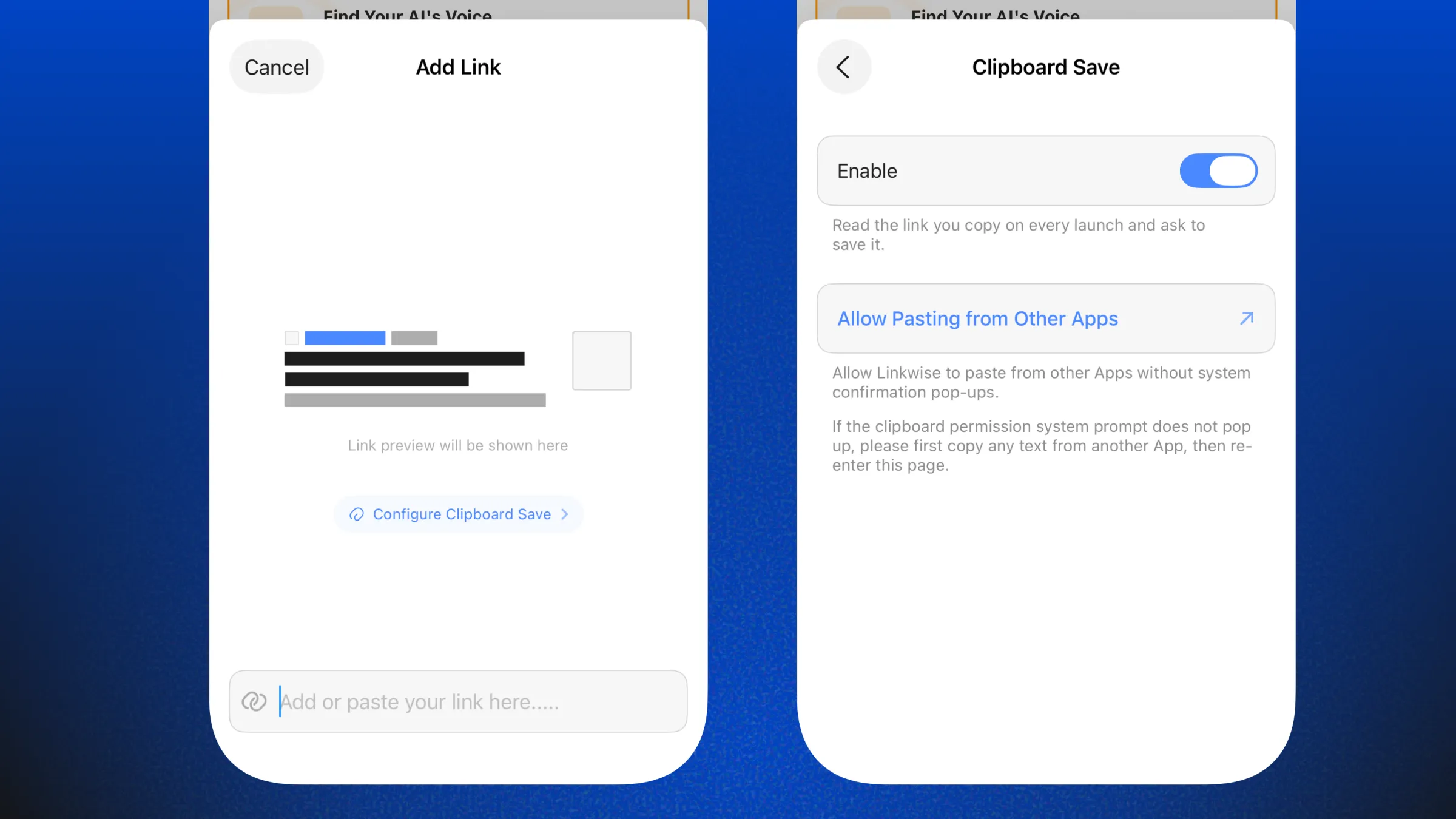
When adding a link manually, you can just type the domain name, and Linkwise will elegantly prefill the rest. Even better, you can paste a link directly from your clipboard without any extra taps. To unlock this frictionless experience, you only need to enable the clipboard save permission once, which you can access directly from the Add Link modal.
Cached Voice Playback
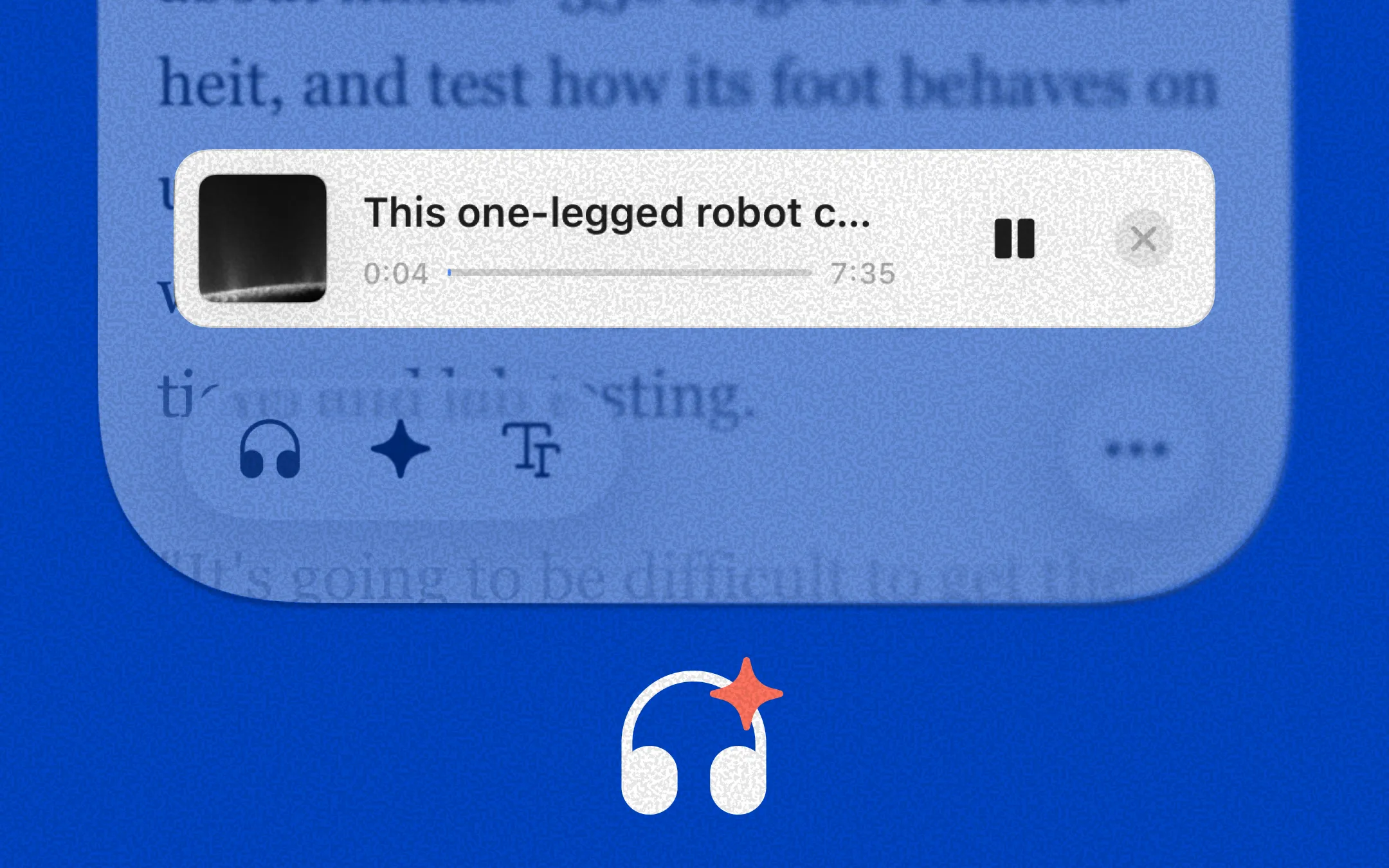
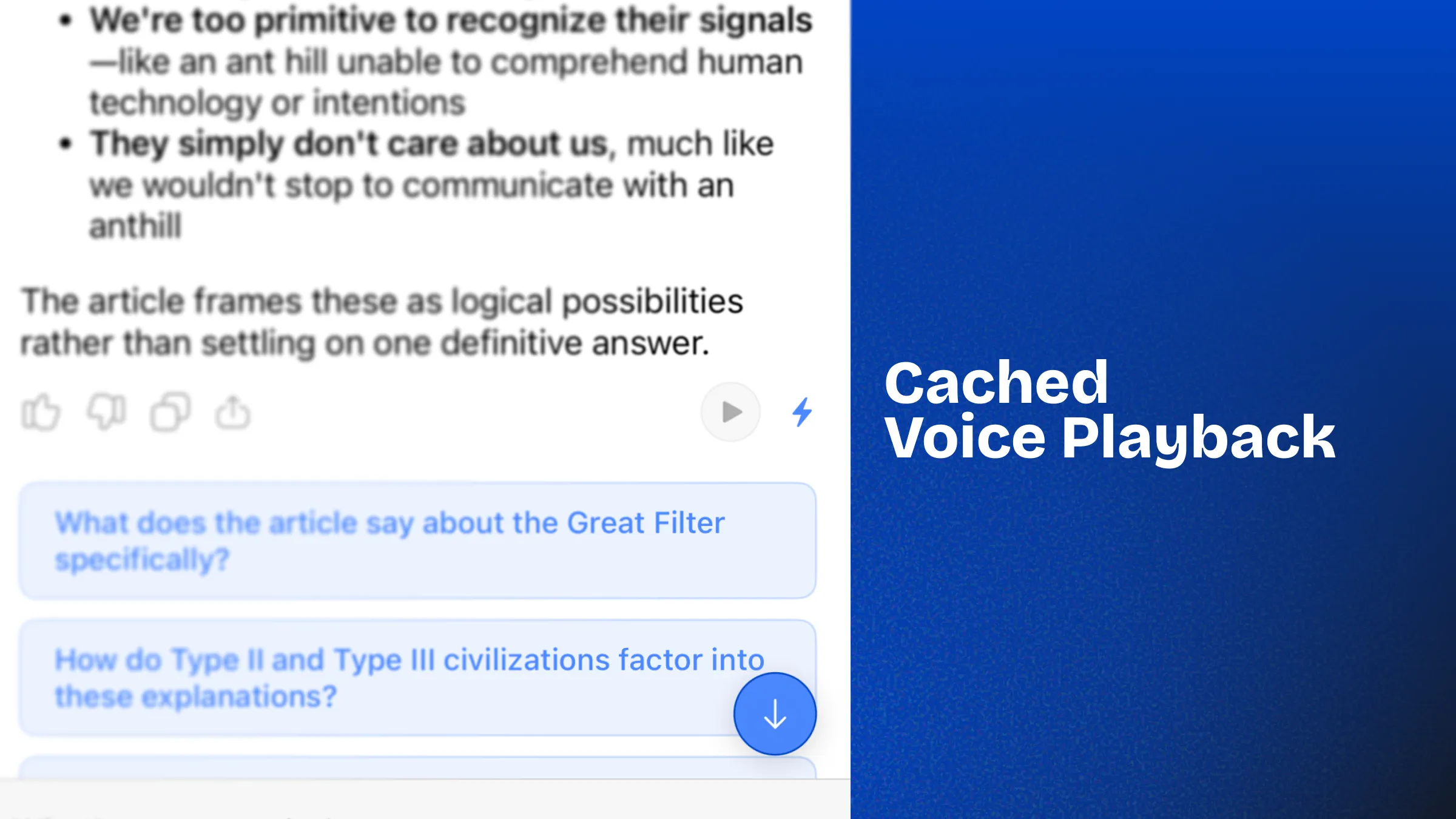
Linkwise has a powerful feature that allows you to chat with your articles. You can extract anything from your saved link's content - you can ask it to create a podcast-style summary, generate a mind map, and much more. Beyond just reading, I also built in an option to listen using 8 different natural voices.
However, Text-to-Speech (TTS) is a resource-intensive operation. In order to save your AI credits, I cache the entire generated audio file so you can access it anytime, even offline. The Bolt ⚡️ symbol represents exactly this: if you've generated the audio before, it lets you know it is securely cached and will load instantly when you are ready to listen.
What’s Next: Deepening the Focus
Building Linkwise is an ongoing journey of refining how we interact with the information we save. With the recent introduction of the Linkwise Reader : a distraction-free environment for your articles - the foundation for deep reading is set. But reading is rarely a passive activity, it's an active conversation with the author's ideas.
In the upcoming updates, I will be bringing seamless annotations and highlighting directly into the Linkwise Reader. My goal is to let you capture your thoughts and mark essential passages without ever breaking your flow. Just like the rest of the app, these tools will be designed to be completely invisible until the exact moment you need them. No cluttered toolbars or distracting pop-ups just fluid interactions that ensure your reading space remains calm, focused, and truly yours.
Here is a beautiful quote by - John Ive.
The best design is the kind users never notice - not because it's invisible, but because it feels like it was always there.